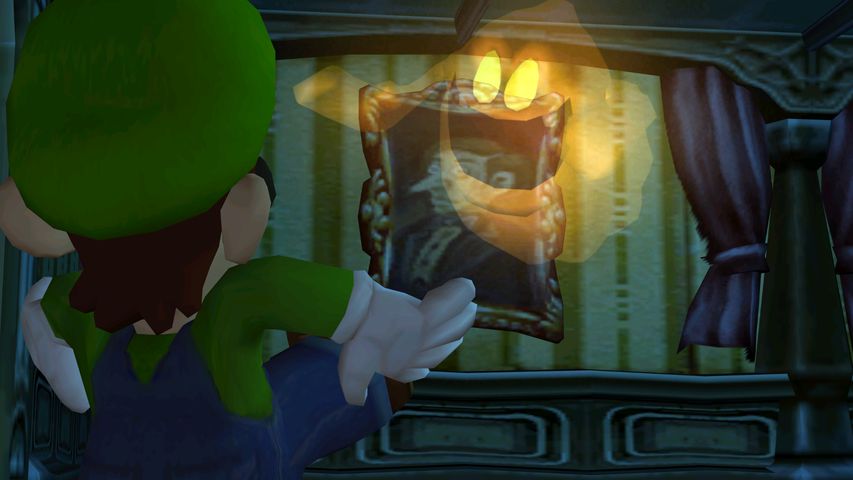
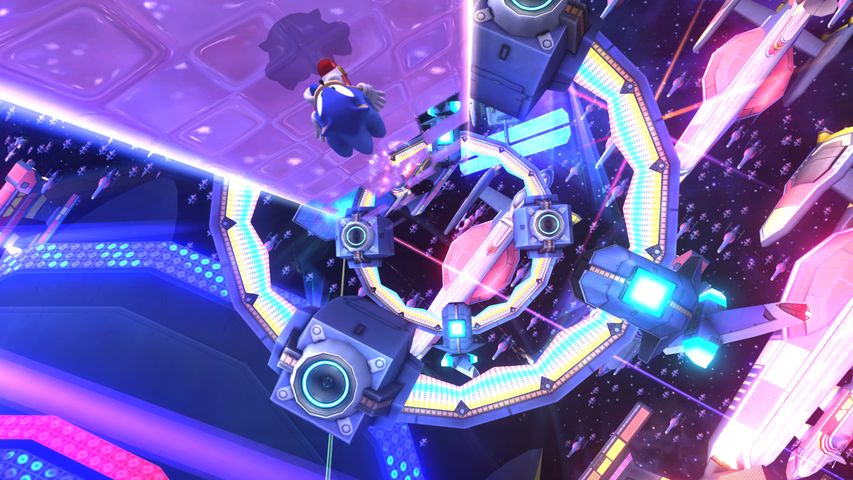
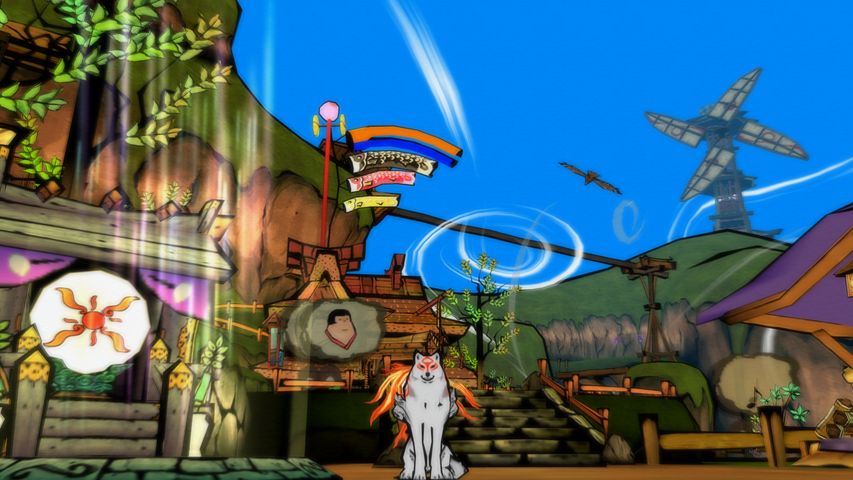

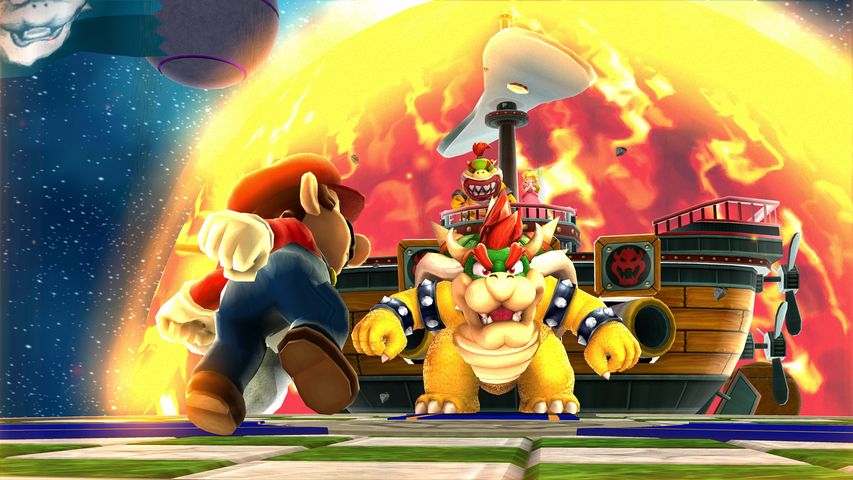

With the conclusion of the holiday season, it's time for us at the blog to get back to work. And this time around, we have a smattering of changes covering just about everything you could imagine. For those looking to enjoy some of the latest homebrew with DSP-HLE, Dolphin now has support for the latest homebrew microcodes! For retail games, we also have a minor update to the Zelda-HLE microcode to fix a missing effect that's long overdue.
In some more important news, for those of you having disk space issues when running Dolphin on Windows since the last beta, a fix is now available. And for those looking for the clearest picture possible, Dolphin's mipmap heuristic has been backed down to allow for higher resolution mipmaps across more textures. And of course, if you're wanting that perfect image, Custom Aspect Ratios will allow for easier use of ultra-widescreen hacks and more!
Add to all of that a huge bugfix for older revision Steam Decks, another chapter in the Bounding Box saga, seeing a classic in an all new way, and yet another chapter in broken GPU drivers, and you've got yourself a Dolphin Progress Report.
Enjoy.